
Custom ERP
An ERP written around your business
To answer “when will this order ship?” you do not ask production, the warehouse and accounting one by one. The order on the screen is the order of your work.
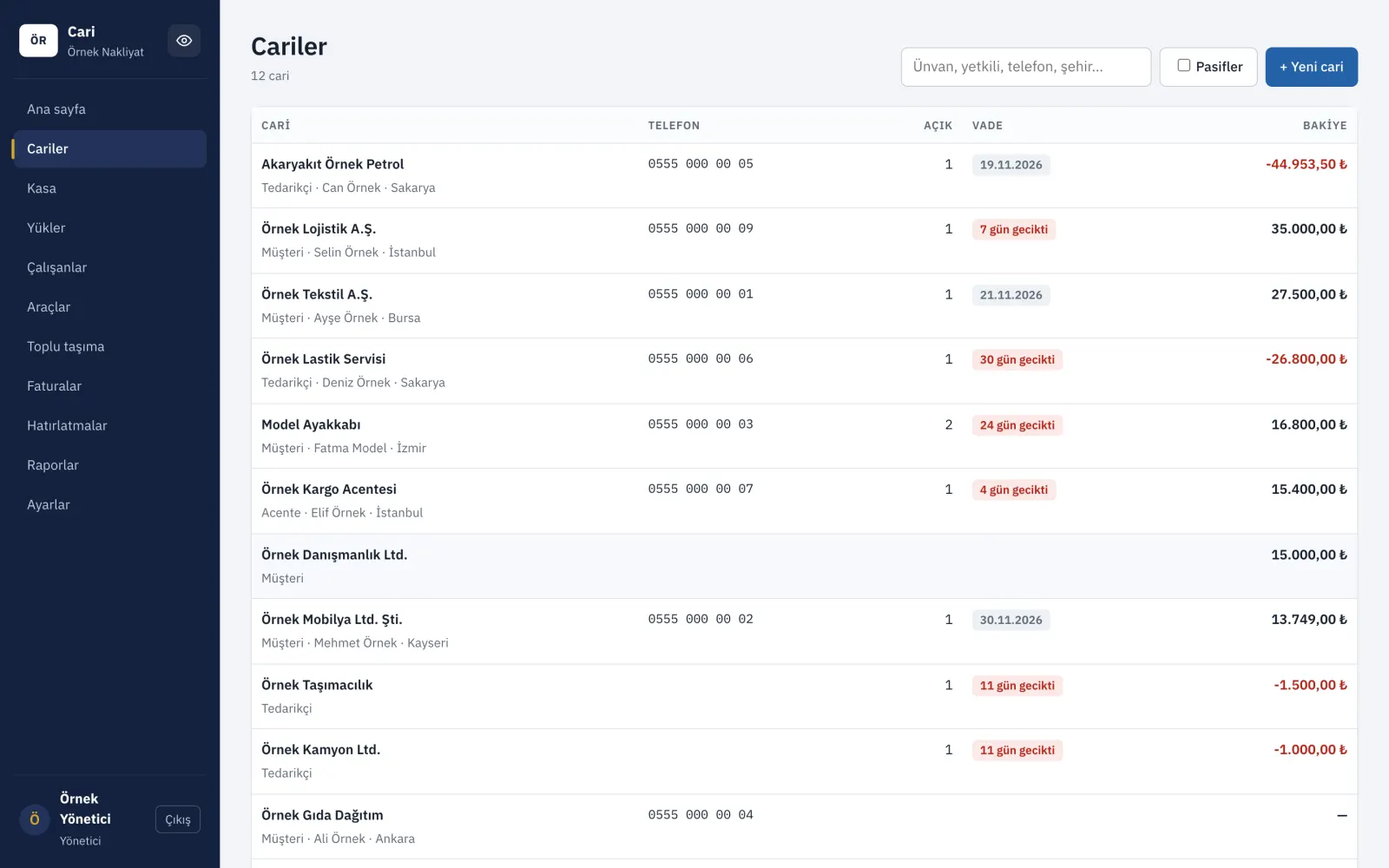
Examples from systems we built
Sample data is used in the screenshots.
One of our projects: accounts software for a transport company
The same account list on the phone.
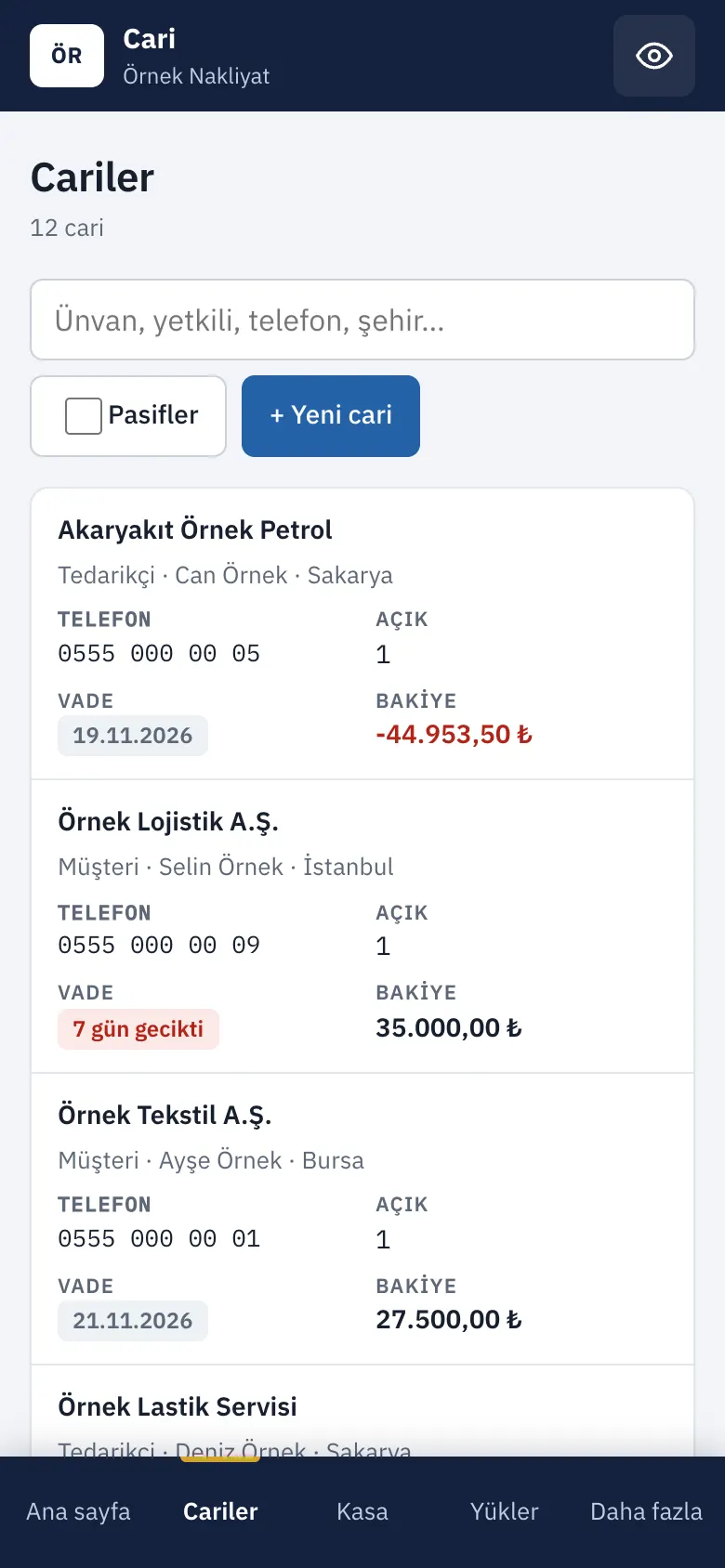
The interface shown is in Turkish; values are illustrative.
What is an ERP for?
An ERP gathers a company's work in a single record, from order to shipping, from stock to collection. An order entered in sales is also visible in the warehouse and in accounting; the same information is not typed twice.
Ready-made ERP packages impose the same flow on everyone. In a custom ERP, the screens and steps are built around your production and sales order; you start with the part you need.
Who is it for?
- Companies that produce or hold stock
- Work where an order passes through several hands
- Those who merge the month-end report from several spreadsheets
- Those who want a connection to their accounting program
- Companies with dealers or branches
When does it help?
An order changes hands several times
Information gets lost passing from sales to the warehouse, from the warehouse to shipping.
Stock and production are in separate places
What was used in production and what is left in the warehouse can't be seen at the same time.
Days are spent on reports
Month-end tables are merged by hand.
Modules
You start with what you need; the others are added later.
Which job is at which bench
A work order is opened, materials are set aside by the recipe, and the job moves stage by stage. You can see who is waiting for what.
- Recipe: How much of which material a product uses is defined; when a work order opens, that material shows as reserved for the job in the warehouse.
- Stage tracking: Cutting, assembly, painting, packing; the stages follow your own workshop.
- Delay alert: A job that will miss its delivery date turns red in advance.
Ready-made ERP or a custom ERP?
Ready-made packages have their place too. The difference shows in these questions.
- Workflow
- Ready-made ERP package: You adapt to the package's flow; whatever doesn't fit stays in Excel.
- A custom ERP for you: The flow is built around your own production and sales order.
- License
- Ready-made ERP package: As users and modules increase, the license fee increases too.
- A custom ERP for you: The fee is discussed by the work to be done, not by the number of users.
- Changes
- Ready-made ERP package: A feature you want waits in the vendor's queue.
- A custom ERP for you: When your needs change, the system changes.
- Accounting
- Ready-made ERP package: The connection often needs an extra add-on.
- A custom ERP for you: The connection to your accounting program is planned from the start.
- Who it suits
- Ready-made ERP package: Companies with standard work that rarely changes.
- A custom ERP for you: Growing companies with a production or sales method of their own.
How we set it up
We set up the system part by part, not all at once. You try and approve each part too.
Tap a step and your choice is written into the quote form.
Discovery
We listen to your workshop, your warehouse and your team; we map together how the work runs today.
Screen drafts
Before development starts, we present the designs to you; changes are easy to make at this stage.
First part
We start with the part you struggle with most; when it works, we move to the next one.
Data transfer
Your product, customer and stock lists in Excel are moved into the system.
Training and switchover
Your team learns with their own data; we move from the old method to the new system together.
Frequently asked questions
Do I have to take all the parts at once?
No. We start with the part you struggle with most, and the others are added later.
Can my team get used to it?
The screens are prepared with the words you use and in your order of work. Training is part of the setup.